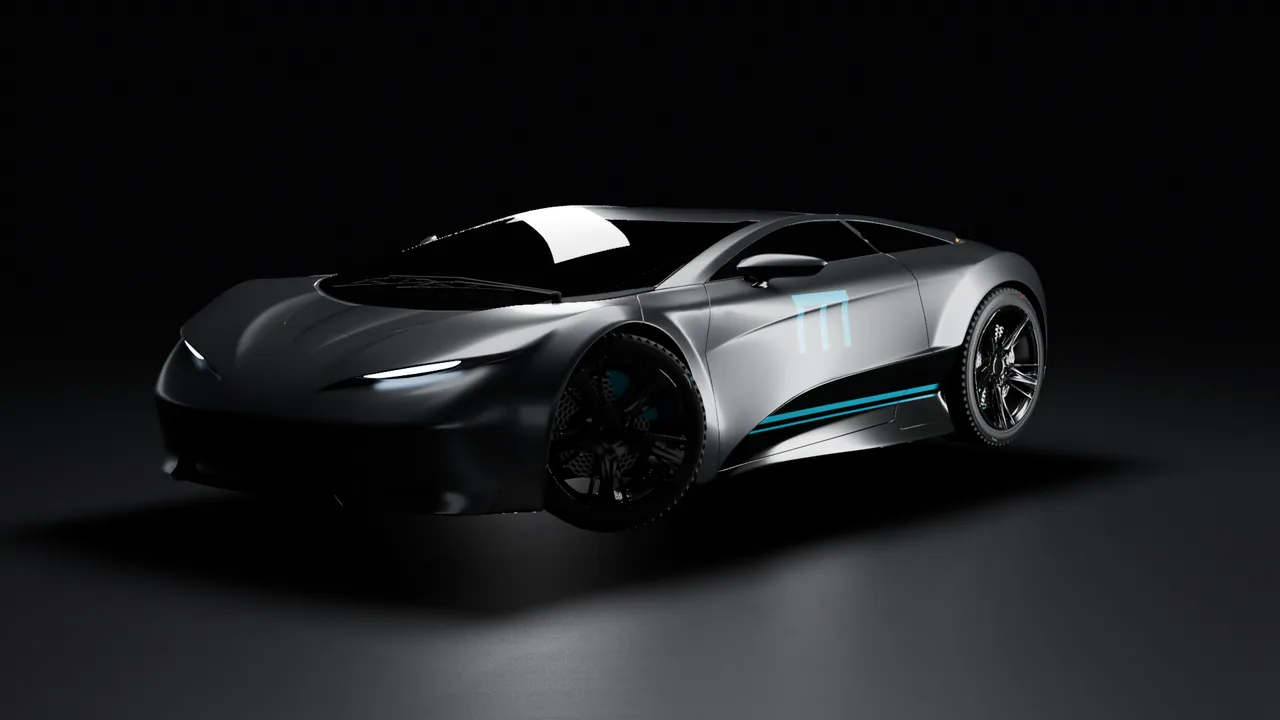
What you can do with it
Open any GLB
A .glb, or a .gltf that is a single file, up to 320 MB. CAD exports with unnamed parts, odd scales and animations open as they are.
Colours and finishes per part
Click a part — or pick it from the parts list — and change its colour and finish: gloss, satin, metal, glass, wood, leather, fabric. Rename and hide parts as you go.
Logos that follow the surface
Place a PNG or SVG logo straight on, bent around curves and corners, or along the model's own texture layout (UV map). Size, turn and mirror it to the other side.
Text, QR codes and full wraps
Add a name, website or phone number in any of the free fonts, a QR code, or one design printed across the whole body — the way a vehicle wrap works.
Animated models
Play and scrub a model's animations; logos on a moving door or lid move with it.
Download
A sharp PNG picture up to 4K, with or without a background; a branded .glb for other 3D apps, games and AR; or a backup of the whole project.
Your file stays on your computer
The model, your logos and the project are kept in this browser's own storage. Nothing is sent to a server, so it works for unreleased products. To move a project to another computer, download its backup file and open it there.
What it doesn't do
It brands models; it doesn't model them. You can't move vertices or change a shape, and some things have limits worth knowing first:
- OBJ, FBX and STL don't open. Import them into Blender (free) and use File → Export → glTF 2.0, format glTF Binary.
- A .gltf with separate .bin or texture files can't be opened on its own — export it again as a single .glb.
- In a downloaded .glb, logos placed straight on or bent around the surface are included. Logos on the UV map, “blend with the surface” and full wraps are drawn by the editor itself and aren't written into the file — the download says which were left out. Pictures always include everything.
Getting a logo to sit right on a real model is mostly about picking the right part and judging the size from the whole product. The step-by-step: how to add a logo to a GLB file.
No model yet?
Start from one of the free 3D mockup templates — boxes, cans, cups, signs and vehicles, ready to brand.
Try it on your own model
Upload a GLB and put your logo on it in the browser. No install, and nothing to configure before you can see whether it works.
Open a GLB — free